
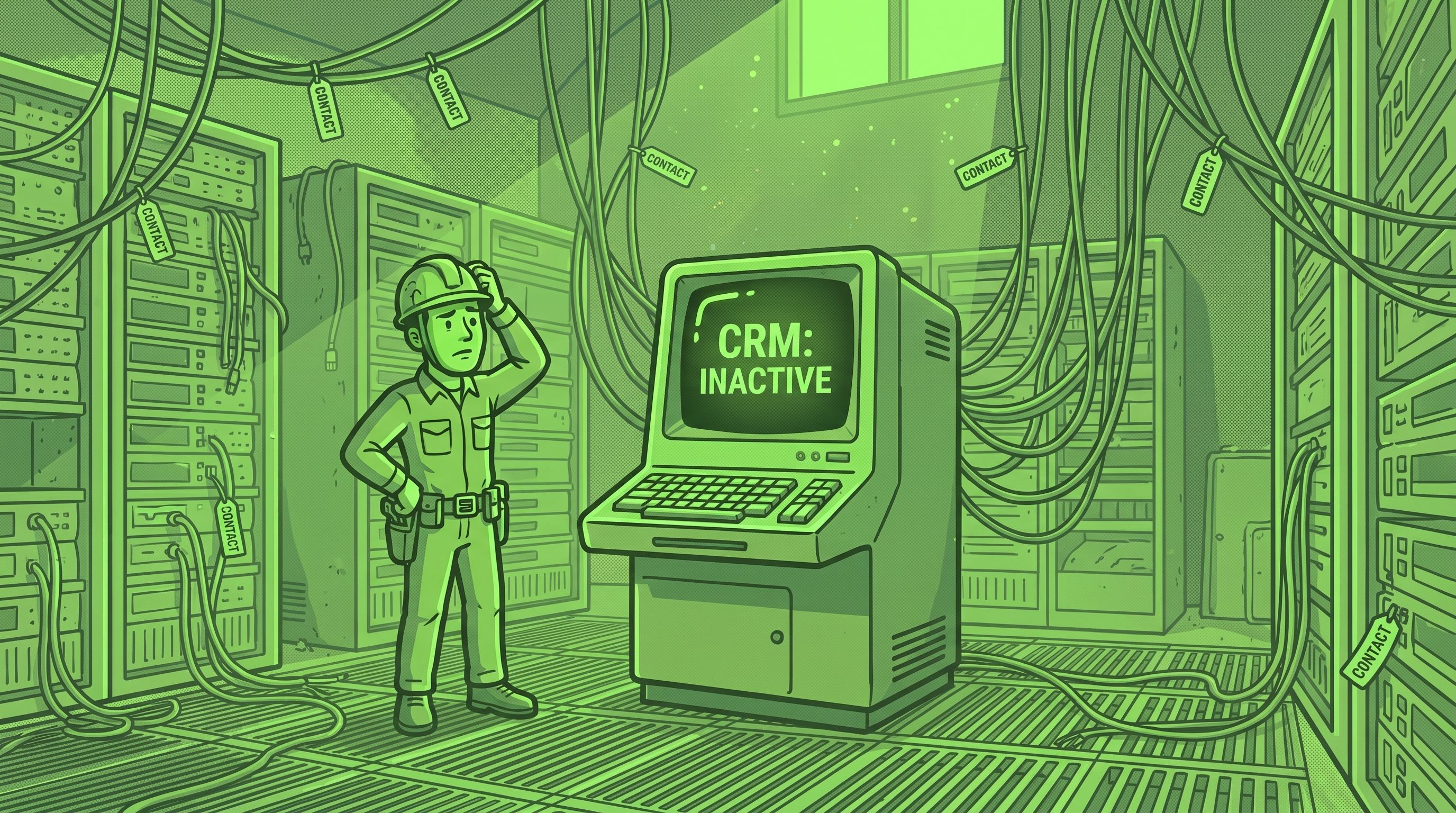
>TL;DR. A CRM with 200 contacts and no logins isn't a software problem — it's a rollout problem. Sales reps abandon CRMs when entering data feels like work that doesn't pay them back. The fix is a four-step rescue: clean the data, redesign the rep's daily workflow inside the CRM, automate the friction, and run a 15-minute weekly review. Most teams are using the system again inside 30 days.
It's Tuesday morning. You open HubSpot for the first time in a month because your accountant asked for customers who haven't bought in 90 days. There are 200 contacts in the CRM. Three are tagged "Closed Won." The rest sit in "New Lead" — including the contact you signed a $48,000 contract with last quarter. Your three salespeople haven't logged in for six weeks. The dashboard says so.
So you schedule a meeting. You put the CRM on the projector. You explain, again, that the CRM is the system of record — every call, every email, every deal goes in. People nod. For two weeks, three contacts get updated. By week three, everyone is back in their inbox and the CRM is a graveyard again.
This is the most common SMB software story we audit, and it's almost never about the software. The CRM works fine. The reps aren't lazy. What's broken is the rollout — the part nobody did. This article is the rescue plan we run with clients in this exact spot.
Why CRMs become contact graveyards (the four root causes)
The CRM you bought is almost certainly not the problem. We've audited rollouts on HubSpot, Pipedrive, Close, Attio, Zoho, and Salesforce Starter. The pattern is identical. Reps abandon CRMs for four reasons, in this order:
1. Entering data costs time and pays nothing. A salesperson is paid to close deals. Logging a call doesn't close a deal. If logging takes ninety seconds and produces no visible benefit — no faster follow-up, no easier prep, no help with their pipeline — they stop. Not out of defiance. Out of the same arithmetic that makes you skip flossing.
2. The CRM mirrors an org chart, not a workflow. Most rollouts get configured by an owner who thinks in reports: "I want deals by stage, by owner, by region." The rep thinks in actions: "Who do I call today? What did I say last time?" When the CRM is optimized for the owner's reporting view, the rep's daily-use view becomes an afterthought.
3. Double entry is everywhere. The lead came through a form that didn't sync. The quote went out from a separate proposal tool. The contract lives in a Google Doc. The invoice is in QuickBooks. To "use the CRM properly," the rep would copy the same customer info into four systems. They will not. Per the Salesforce State of Sales Report 2026, the average seller uses eight tools to close a deal, 42% feel overwhelmed by too many tools, and overwhelmed sellers are 45% less likely to hit quota. The CRM is the easiest one to drop.
4. Nobody reviews the data, so the data degrades. A CRM is only as trustworthy as its most recent update. If reps see stale records and deals frozen in old stages, they conclude — correctly — that the CRM isn't the source of truth. Once trust in the data is gone, training won't bring it back.
What's not on this list: "needs training" or "wrong tool." Both come up in every owner conversation; both are almost always wrong. Salesforce puts average CRM adoption at 72% across sales organizations — a quarter of every team isn't using the system. Gartner and Forrester put CRM project failure rates between 30% and 70%, with aggregate estimates near 55%. Per CRM.org's 2025 roundup, less than 40% of companies fully implement their CRM at all. These are rollout problems, not tooling problems.
The composite case: 200 contacts, three reps, six weeks of silence
Below is a composite of three real SMB clients from the last 18 months — a 22-person engineering firm, a 14-person accounting practice, and a nine-person services agency — collapsed into one story because the failure was identical. Names and details are anonymized.
The composite client: a 15-person professional services firm doing about $4.2M in revenue. Three salespeople, one of whom is the owner. Bought HubSpot Sales Hub Starter at $20 per user per month after a vendor demo where everything looked great. The owner's spouse spent a weekend importing contacts from a Google Sheet. The team got one 60-minute kickoff call and a login.
What we found on the audit:
- 213 contacts — 51 duplicates, 38 churned customers, roughly half the emails bounced.
- Three deals in "Closed Won," two from 2024.
- 47 deals in "New Lead" — a mix of actual leads, active customers, and former employees nobody had cleaned.
- The owner had logged in twice in 60 days, both times to pull a report he rebuilt in Excel because the CRM data was wrong.
- The two non-owner reps hadn't logged in for six weeks. Both were tracking their real pipeline in personal spreadsheets.
- Quotes went out from a proposal tool with no sync. Invoices lived in QuickBooks. The proposal-to-invoice handoff was a Slack message.
When we asked the reps why they didn't use the CRM, neither said "no time" or "need training." Both said a version of: "It doesn't help me sell. It just creates a second job." That's the rollout failure in nine words.
The 4-step adoption rescue plan
We run the same playbook on every CRM rescue, regardless of which platform the client is on. It runs over four weeks, takes the owner about six hours of total time, and gets the team back in the system in roughly 30 days. Here it is, end to end.
Step 1 — Clean the data first. Always.
You cannot fix adoption on top of garbage data. The fastest way to make sure reps never trust the CRM is to ask them to "start using it" before you've removed the obvious wreckage. Spend two hours:
- Export the contact list. Sort by last-activity date and delete anything older than 24 months unless it's a current customer.
- De-duplicate. Most CRMs have a built-in tool. Resolve the top 50 manually; bulk-merge the rest.
- Walk every "open" deal. Move it to the right stage or close it as lost. No deals from the prior calendar year stay open unless someone can defend it in a sentence.
- Pick five custom fields you actually need. Hide or delete the rest. Most CRMs ship with 30+ fields; ninety percent are noise.
When you're done, the database has fewer records than yesterday. That's the point. A CRM with 80 clean contacts beats one with 213 dirty ones.
Step 2 — Redesign the rep's workflow before you write the SOP.
This is the step everyone skips. Before you tell the team how to use the CRM, sit with your best rep for 45 minutes and watch them sell. What does their Monday morning look like? Where's their next-call list? How do they prep for a meeting? When a lead comes in, what's the first thing they do?
Now design the CRM's daily-use view to match. Not the owner's report — the rep's morning.
In the composite case, the fix was a single saved view called "My Day" — every contact with a follow-up due in the next 48 hours, sorted by deal value. It replaced the rep's personal spreadsheet, took 20 minutes to build, and the rep started logging in twice a day within the first week. The shift is psychological: the CRM stops being something updated for the boss and becomes something opened for themselves.
Step 3 — Automate the friction.
Every minute of manual entry you remove buys a unit of adoption. The targets:
- Lead capture. Every form and inbound email lands in the CRM with the right tags, automatically. If your form provider doesn't push to your CRM, fix that this week — usually 30 minutes through Zapier, Make, or n8n. We covered the broader pattern in our systems integration guide for SMBs.
- Email logging. Install the Gmail or Outlook plugin on every rep's machine. Logging becomes one click.
- Calendar sync. Meeting outcomes auto-create activity records. Most CRMs do this with a checkbox.
- Quote-to-invoice handoff. When a deal closes, the customer lands in your accounting tool without anyone retyping the address. The most-often-missing SMB connection — and the one that pays back fastest.
Salesforce's research is unambiguous: sellers spend 60% of their time on non-selling work. Every automation gives time back to selling. For CRM tools vetted against this rollout pattern, browse the close-deals-manage-relationships category in our directory.
Step 4 — Run a 15-minute weekly review.
The single most effective habit for CRM adoption is a 15-minute Monday meeting where the owner and team look at one screen: open pipeline, by rep. No agenda. Just: "Walk me through the top three deals in your pipeline."
Two things happen once this is a standing meeting. Reps update the CRM Sunday night because they don't want to walk in with stale data. And the team uses the same vocabulary for deal stages because they hear them out loud every week. The meeting must be short, weekly, and not a coaching session. Discipline is what makes it work.
The three most common rollout mistakes (and what we'd do instead)
Even owners who know the rescue plan make the same three mistakes when they re-roll out. Here's what we see, and the move we'd run instead.
Mistake 1 — Buying off the vendor demo. The demo environment has clean data, a configured pipeline, and a hypothetical team that uses every feature. Yours doesn't. The fix: before signing, run a two-week pilot with a single rep on a free tier. If they don't actively want it after two weeks, the rollout will fail no matter what you bought. We've seen this validate or kill purchase decisions on tools as expensive as Salesforce and as cheap as a HubSpot free workspace.
Mistake 2 — The owner-led rollout. The owner buys, configures, trains, and mandates. It fails because the owner isn't the person whose workflow the CRM has to fit. The fix: designate one rep as the system owner with a small tooling budget, a few hours a month for cleanup, and authority to say "we're not using that field, take it out." Adoption becomes a peer norm instead of a top-down mandate.
Mistake 3 — "We'll customize it later." The rollout ships with stock pipeline and default fields. Everyone agrees it's "good enough for now." Six months later, "later" hasn't arrived, the reps have stopped using the CRM, and customizing means rebuilding broken habits. The fix: do the customization in the first two weeks, while motivation is high. Three custom fields, a tailored pipeline, a saved "My Day" view. Anything beyond that can wait.
What success looks like in 30 days
A working rollout has measurable signs by the end of the first month:
- Day 7: every rep has logged in once a day for five consecutive workdays. The "My Day" view is a tab on every rep's machine.
- Day 14: every new lead auto-creates a contact record with correct tags. The Gmail or Outlook plugin is on every machine.
- Day 21: every open-stage record has activity in the prior 14 days. The Monday 15-minute review has run three times. Stale deals are being closed-lost without ceremony.
- Day 30: the owner can pull a real-time pipeline report and trust it. The accountant's quarterly question — "who hasn't bought in 90 days?" — gets answered in five seconds. At least one cross-system handoff (lead-to-CRM or quote-to-invoice) is automated.
The real success metric is day 30: none of the reps is keeping a parallel spreadsheet anymore. Not because anyone banned them, but because the CRM is finally faster.
What this means for your week
If your CRM looks like the composite case, you don't need a new tool — run the rescue plan above, in order. Two hours on hygiene, 45 minutes watching a rep sell, an afternoon on the four most important integrations, 15 minutes every Monday.
If you'd rather not run this alone, our team does CRM adoption rescue as a focused engagement. We start with a free 30-minute Stack Audit — video call, no pitch. We tell you which of the four root causes is hurting most and give you the rollout plan we'd run. About a third of businesses we talk to take the plan and run it themselves. That's fine — the goal is more SMBs with stacks that work.
Frequently asked questions
How long does it take to get sales reps to actually use a CRM?
Roughly 30 days from a clean restart with the four-step rescue plan: clean the data in week one, redesign the rep workflow in week two, automate the top three friction points in week three, and run weekly 15-minute pipeline reviews from week four onward. Adoption stalls when teams skip step two and try to fix it with more training.
What's the number-one reason CRM rollouts fail?
The CRM was configured to produce reports for the owner instead of supporting the rep's daily workflow. When data entry costs the rep ninety seconds and produces no visible benefit, they stop. Gartner and Forrester put failure rates between 30% and 70%, with aggregate estimates near 55%. The failure is rarely the tool; it's that the rep workflow was an afterthought.
Should I clean the data before or after the rollout?
Before. Always. Asking a team to "start using" a CRM full of duplicates and stale deals is the fastest way to lose their trust. Two hours of de-duplication and stage cleanup is the highest-return time you'll spend.
Do I need a consultant to run a CRM rollout?
For most SMBs under 30 employees, no. The four-step plan is runnable by an owner and one designated rep. Get outside help if you've already failed one rollout and the team is cynical, the CRM needs to integrate with three or more other systems, or you're migrating from one CRM to another with live deal data. Otherwise, run it in-house — cheaper, faster, and the knowledge stays with you.
About the author. Alejandro Morales is a senior operations consultant and systems architect at STOA Digital Solutions. STOA helps SMB owners ($500K–$20M revenue) choose the right software, connect it, automate routine work, and build operations that don't depend on the owner being in every meeting. Based in the Triangle, NC; serving the US.
Sources cited.
- Salesforce — State of Sales Report 2026. Sellers spend 60% of their time on non-selling tasks; 42% feel overwhelmed by too many tools; the average seller uses 8 tools to close a deal; CRM user adoption averages 72%; overwhelmed sellers are 45% less likely to attain quota.
- Johnny Grow (citing Gartner and Forrester benchmarks) — The CRM Failure Rate is 55% in 2025. CRM project failure rates range 30–70% depending on measurement approach; aggregate estimate ~55%.
- CRM.org — 45 CRM Statistics You Need to Know in 2025. Less than 40% of companies fully implement their CRM systems; user adoption and training are the leading barriers cited by SMBs.
- STOA Digital Solutions — composite case study from three SMB consulting engagements (engineering firm, accounting practice, services agency), 2024–2026. Anonymized; specific identifying details altered.