
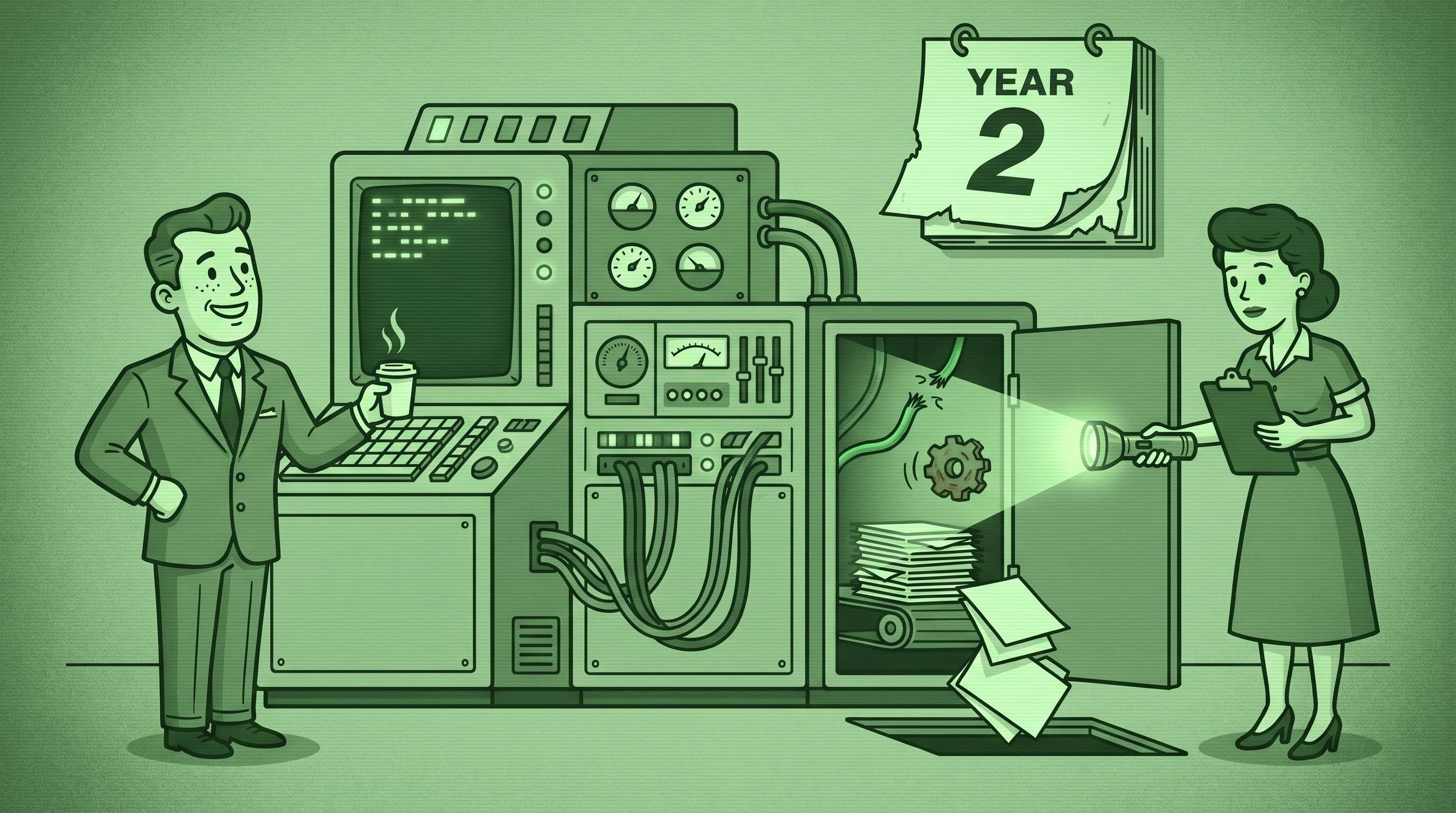
>TL;DR. Most SMB integrations work beautifully in year 1 and start silently failing in months 18–24. APIs deprecate, OAuth tokens expire, schemas drift, and the person who built the Zap leaves. None of it shows up as a hard error — it shows up as missing records, duplicate writes, and customers wondering why nobody called them back. Below: the 7 reasons integrations break, the quarterly audit that catches the silent failures, and four design choices that make automations last. Pair an iPaaS at the right tier with a named owner and a calendar event — that's the longevity stack.
The Zap you built last summer worked perfectly. So did the script your developer wrote in April. So did the HubSpot-to-QuickBooks connector you turned on in week three of the rollout.
Eighteen months later, three things are happening that nobody noticed: one in eight payloads is silently dropping a field, the QuickBooks OAuth token hasn't refreshed in nine days, and the salesperson who owned the Slack error channel left in February — the channel still exists, but nobody is in it.
Your integrations are not broken. They are decaying. Broken gets fixed in an afternoon; decaying compounds for months before anyone names it. We have this conversation with every SMB that calls us 18–24 months after their first integration build. The question is always: "Things were working. What happened?"
Nothing happened. Integrations are not built — they are maintained. Skip the maintenance and the system appears to keep running while quietly losing fidelity. This is the year-2 companion to our systems integration guide and our iPaaS vs. custom buyer's guide — what to do after the build is done.
The integration decay curve
Most SMB integrations follow the same trajectory: months 1–6 work as designed, months 7–12 show minor edge-case failures nobody investigates, and months 13–24 cross into silent breakage that costs real money. Predictable enough that we plan around it on every Stack Audit.
We walk into roughly 30 SMBs a year running a stack 18 months or older. The pattern is universal. By month 18, every one shows at least one of the seven decay patterns below; by month 24, most show three or more, stacked. Integrations don't fail the way outages fail — they drift, and drift stays invisible until something downstream breaks: a missed renewal, a duplicate invoice, a lead that never reached the salesperson.
Three structural reasons. First, the systems on either end are themselves changing — vendors deprecate endpoints, add required fields, and tighten rate limits on their own schedules. The 2024 Postman State of the API Report (5,600+ developers surveyed) found only 26% of API teams use semantic versioning, meaning most changes hit consumers without a clear breaking-change signal; 5% of API changes fail at rates above 25%. The odds that one of your four or five vendors ships a quietly breaking change in any quarter are very high.
Second, credentials are time-limited. QuickBooks Online OAuth refresh tokens are invalidated after 100 days of inactivity; Google's after six months. If the integration runs continuously, non-issue; if it runs less often or the connected account changes anything in the consent screen, the token quietly dies and the integration starts 401-ing into the void.
Third, human context evaporates. The person who built it leaves. The README — if it existed — gets stale. Two years in, nobody owns the system running the business. Integrations are infrastructure, and infrastructure decays without maintenance. Past month 12, the right question isn't should we build more — it's do we know which of the ones we already built are still working?
The 7 ways integrations rot
Every silent failure we've debugged in the last three years falls into one of these seven patterns. Most year-2 breakage is two or three stacked.
#1: API version drift
A vendor deprecates v3 and announces v4. Your integration is on v3. The window gives you 6–12 months. You don't migrate — nothing is broken yet. Then v3 gets retired, or worse, partially retired: it still returns 200 OK but silently drops fields the v4 schema added.
This is the most common decay pattern and the one operators miss most. Vendors send deprecation notices to the developer mailing list, not to the email tied to the OAuth connection. Per Postman, 39% of developers cite inconsistent documentation as their biggest integration roadblock — and SMB owners with no developer in the loop have a total gap. The result: HubSpot adds a required field, your Zap maps the v3 schema, contacts get written with a critical field empty. Six months later, marketing automation has been mis-segmenting 1,400 records since the change shipped.
#2: Authentication expiry
OAuth tokens look like permanent credentials and behave like temporary ones. The refresh token works until something invalidates it — and there are about a dozen ways to invalidate one, half undocumented.
Standard cases: inactivity (QuickBooks 100 days, Google 6 months), user-initiated revocation (employee leaves, IT disables their identity), and consent-screen changes (vendor adds a scope, existing token lacks it, integration starts 403-ing). Less standard: race conditions where two processes refresh the same token and the second overwrites the first with a stale value. The dashboard shows green; every run errors at auth; nobody gets the email because it routes to the bookkeeper who left in October.
#3: Field schema changes
Vendors add fields constantly. Most are additive and harmless. The dangerous version: a vendor adds a required field on the write side, changes a field from optional to required, or renames a field with a deprecated alias.
Your mapping was built against the old schema. After the change, every write either fails outright (the loud version, which you catch) or succeeds with empty values for the new field (the quiet version, which compounds). The quiet version is worse — your CRM accepts the contact with lifecycle_stage empty, and six months later your newsletter is going to leads who should have been excluded.
#4: Rate limit creep
Every SaaS API has rate limits, sized for typical usage. Generous in year 1, tight in year 2 — your business grew, your data volume grew, your integration didn't get redesigned.
First symptom: intermittent 429s the integration "handles" by retrying. Retries succeed often enough that nothing looks broken. Then volume crosses the next threshold, retries start failing, and queued backlogs take 14 hours to drain instead of 14 minutes. The deeper version: vendors quietly tighten lower-tier limits to push high-volume customers up. HubSpot, Salesforce, and Shopify have all done this in the last 24 months. Your integration didn't break — the agreement underneath it did.
#5: Owner attrition
The most predictable decay pattern is the most human. The person who built the integration leaves. They were the only one who knew the secrets, the design rationale, and the manual fix. The Slack channel, the OAuth account, the API key in 1Password under their name — all orphaned.
This is the single biggest contributor to year-2 SMB integration failure. SMBs don't have a team that maintains integrations — they have a person. When that person leaves, the integration enters zombie mode: appears alive until something inside it dies and nobody knows where to look. The mitigation isn't better people. It's named ownership, in writing, with a backup, before the first integration ships.
#6: Conflicting source-of-truth drift
In a clean architecture, every record has one source of truth. In year-1 reality, you wired up a "for now" two-way sync between HubSpot and your project management tool because both teams wanted to edit the same record. Two years in, two databases both think they're authoritative, both writing to the same fields, with last-write-wins arbitration running between them.
This breaks subtly. A salesperson updates a deal stage in HubSpot; 30 seconds later the project manager updates it to a different stage in ClickUp; the sync runs; one update wins; the other becomes a ghost. The downstream automations that fired on the losing update run anyway, sending emails based on state that no longer exists. The fix isn't a smarter integration — it's an explicit decision about which system owns which fields, with one-way sync for everything else. Two-way sync is a smell, not a pattern.
#7: Untested error paths
Every integration has a happy path and an unhappy path. The happy path gets tested at build time. The unhappy path — 5xx responses, malformed payloads, downstream constraint violations — almost never does, because in year 1 it's rare enough to ignore.
In year 2, what was 1% of traffic becomes 5%. Your retry logic handled 1%; it doesn't handle 5%. The queue grows faster than it drains, runs out of memory, and the integration falls over at 3 AM. Or more commonly: the error path quietly discards failed payloads and you've lost a week of writes. The fix is idempotency (below) plus an actual error log a human looks at — both 30-minute builds, both nearly impossible to retrofit at month 18.
The audit checklist that catches silent failures
The cheapest defense against decay is a quarterly checklist run by a named human against every integration. We use this exact list on Stack Audits.
- Last-success timestamp. When did each integration last write a record all the way through? Not "last run" — last delivery. More than 7 days stale on a daily flow is suspect.
- Owner re-confirmation. Name the human responsible today. If they've left, escalate immediately.
- Vendor changelog scan. Pull changelogs for every vendor on either end. Look for deprecated, removed, breaking, required, retired, sunset. A 15-minute scan catches 80% of incoming version drift.
- Token / credential health. Every OAuth token refreshed within 30 days; every API key valid and not tied to a former employee's personal email.
- Sample 10 records. Pick 10 recent records, verify each made it through with the right field values. Catches schema drift better than any monitor.
- Volume-vs-tier check. Crossed 70% of your platform tier limit? You're a bad month from throttling. Upgrade or split.
- Error log review. Open the error stream and read it. Repeating un-investigated errors are silent failures waiting to compound. No error log at all? Set one up first.
- Two-way sync inventory. For every bidirectional integration, name the field-level rule for which system wins. "I don't know" or "last write"? Convert to one-way with an explicit owner.
- Documentation freshness. Every integration has a written description (Notion, README, Google Doc) — what it does, what it depends on, how to fix it. Last-modified within 6 months; older is fiction.
- Dead-letter inspection. If your platform has a dead-letter queue, open it. Every entry is a write that didn't happen — replay, drop with reason, or escalate.
A 60-minute quarterly run across 5–10 integrations costs ~$300 in operator time. One caught dropped invoice or missed renewal pays for the year.
How to architect for longevity
You can't prevent vendor deprecations or token expirations. You can prevent them from silently breaking your business. Four design choices at build time do most of the work.
1. Idempotent operations by default
An idempotent operation produces the same result whether it runs once or fifty times. If a Stripe webhook fires three times because of a network hiccup, idempotent design produces one customer record, not three.
Pattern: every write includes a unique key (source ID, event ID, payload hash); before writing, check whether the key was already processed; if yes, skip. Make, n8n, and Workato support this natively; in custom code it's a 10-line database table. This matters because retries become safe — when the API hiccups, when a vendor re-sends 12 hours of webhooks, idempotent integrations shrug it off; non-idempotent ones create a week of cleanup.
2. Centralized error logging
Every integration writes its errors to one destination — a Slack channel, a shared mailbox, a logging service. Not the inbox of the person who built it. Not a platform dashboard buried three clicks deep. One place, watched by a human.
Configure every iPaaS or custom flow to forward non-2xx responses to #integration-errors or equivalent, with integration name, timestamp, error, and a link to the failed record. Five minutes a day glancing at the channel catches 90% of decay. SMBs that adopt this go from "we find out from a customer" to "we fix them before the customer notices."
3. Owner per integration, named and human
Every integration has a named owner — a specific human in the docs — who can debug it at 9 AM Monday and updates docs when it changes. When they leave, transferring is part of offboarding. Better: an owner and a backup.
Sounds like overhead. It's the cheapest insurance you'll buy. Thirty seconds to write "Owner: Sarah Chen" in a Notion page is the difference between a system that runs and one that's been on autopilot for nine months while nobody checks.
4. Quarterly audit cadence
Put it on the calendar — a recurring 90-day event titled "Integration audit, run the checklist." Block 90 minutes. Invite the owners. Run the 10-item list. Document what you found.
This works because operations work expands to fill available time, and audits never feel urgent until they're the most urgent thing in the company. Cadence makes the work happen before the urgency. Per Salesforce's 2025 SMB Trends Report (3,350 leaders), growing SMBs are twice as likely as declining ones to have an integrated stack (66% vs. 32%). They aren't smarter — they treat their stack as infrastructure that needs upkeep.
Not sure which of your integrations have started decaying? Book a free Stack Audit. We run the 10-item checklist against your live stack, name what's silently failing, and send you a fix list. 30 minutes, no pitch.
When to refactor vs. retire vs. live with it
Not every decaying integration is worth saving.
Refactor when it does important work, the underlying tools are still in your stack, and fixing costs less than rebuilding. Most field-mapping, OAuth, and rate-limit fixes fall here. After refactor it should look noticeably more durable — idempotent, monitored, owned.
Retire when it does work nobody needs, or a tool on either end is being replaced. Half the integrations we audit at month 18 sync data where one side is no longer the source of truth — built for a workflow that's changed, never turned off. Retiring stale integrations is a feature, not a failure.
Live with it when decay cost is lower than fix-or-replace cost. Rarer than people think — but for a low-volume integration that runs twice a month and produces 30 minutes of cleanup, "live with it and put a calendar reminder" is defensible. Just be honest you're choosing it.
| Scenario | Action | | --- | --- | | Critical, breakage fixable in <8 hours | Refactor. | | Critical, structural breakage (deprecation, code rot) | Refactor with rebuild budget. | | Not critical, replaceable with manual step <2 hrs/week | Retire. | | Not critical, replaceable with simpler iPaaS flow | Retire and rebuild simpler. | | Critical, but a system on either end is being replaced this year | Live with it short-term; schedule rebuild post-replacement. |
Bias toward retiring more than you think. Cutting integration debt is a year-2 activity that pays for years 3, 4, and 5.
SMBs that don't fall into year-2 decay run these habits without an IT department. The hygiene compounds; so does its absence. Owners who adopt this rhythm stop having integration emergencies in year 3 and start doing actually-interesting work — workflow automation, AI agents, customer-facing systems — on a foundation that holds. Browse our automation library for examples of year 3.
FAQ
Why do my Zapier integrations keep breaking?
Most year-2 Zapier breakage is three things stacked. First, OAuth tokens expire after 30–180 days of inactivity (varies by vendor); the integration looks fine in the dashboard but every run fails at auth. Second, the source or destination vendor changed an API or schema and your field mappings are outdated. Third, task volume crossed a tier and Zapier is throttling silently. The 10-item audit isolates which within 30 minutes.
How often should I audit my SMB integrations?
Quarterly, on the calendar, with a named owner. Annually is too slow — vendors deprecate endpoints on 6–12 month timelines, so a yearly cadence catches things only after they've broken. Monthly tends to fall off the calendar. Every 90 days, blocked time, written report.
Should I rebuild a broken integration or refactor it?
Refactor when the underlying tools are still in your stack and the breakage is mechanical (auth, field mapping, rate limit). Rebuild when the original was written against a system that's been replaced, or it's custom code with no remaining owner. Retire entirely when it syncs data nobody actually uses — about a third of integrations at month 18 fall here.
What's the typical lifespan of an SMB integration before it needs maintenance?
Six to twelve months for the first attention, 18–24 for the first significant breakage if no maintenance has happened. The integrations don't have a lifespan — their dependencies do, and that lifespan is roughly a year.
Stop guessing which integrations are silently failing. The SMB Stack Letter is a once-a-week email on integration architecture, year-2 maintenance, and AI tools that hold up under real SMB workloads. Subscribe here.
Want us to run the 10-item audit against your live stack? Book a free Stack Audit — 30 minutes, one video call, no pitch. For the foundation, start with our systems integration guide; for the platform-vs-custom decision, our iPaaS vs. custom buyer's guide; for tools we'd pick, our build-and-connect directory.
About the author. STOA Digital Solutions is an SMB operations and integration consultancy in the Triangle, NC. We help service businesses ($1M–$20M revenue) connect their tools, automate the right workflows, and build AI-augmented systems that don't decay in year 2.